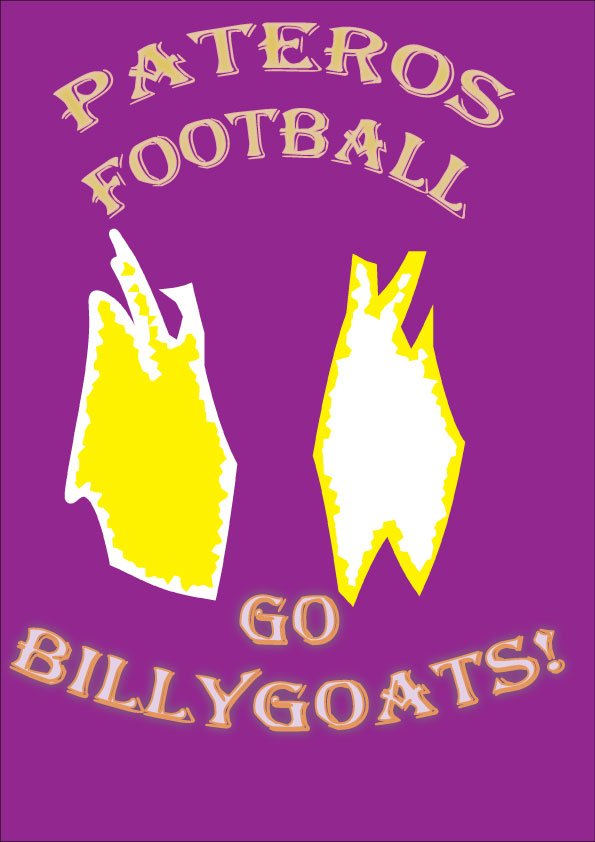
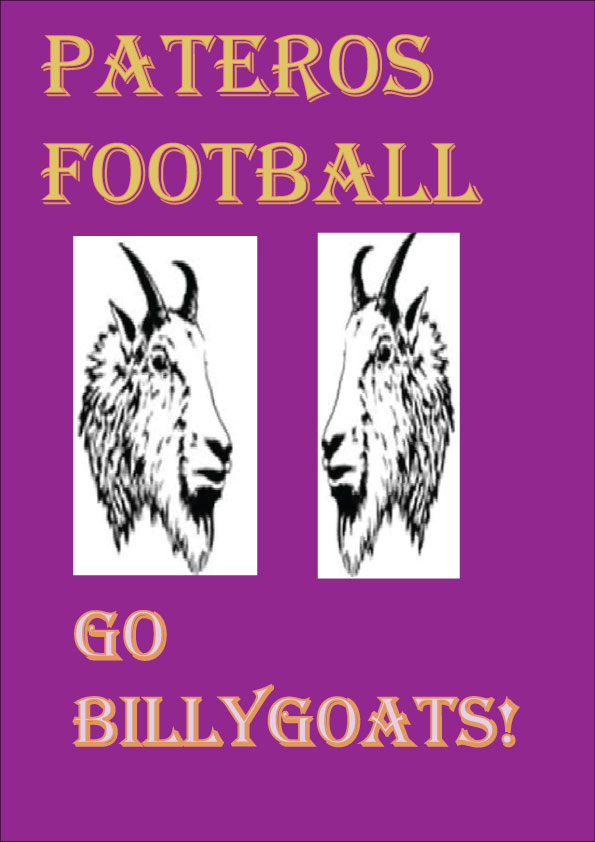
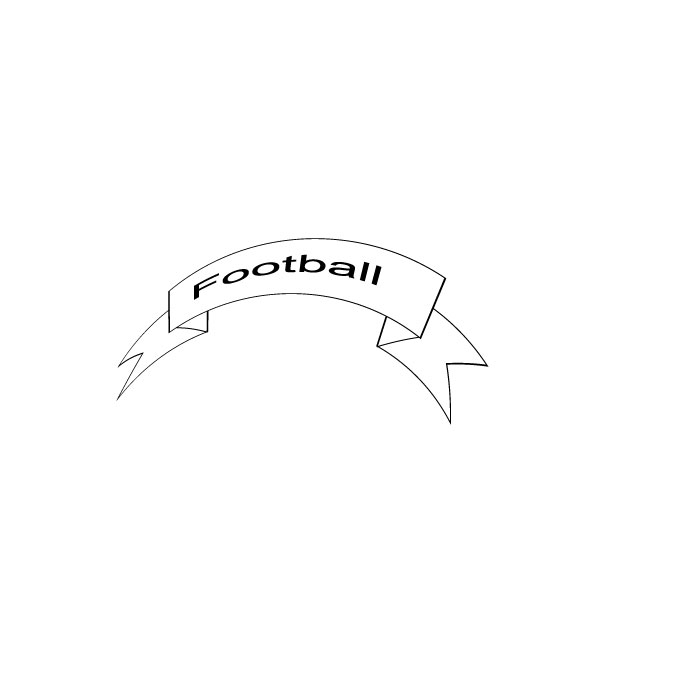
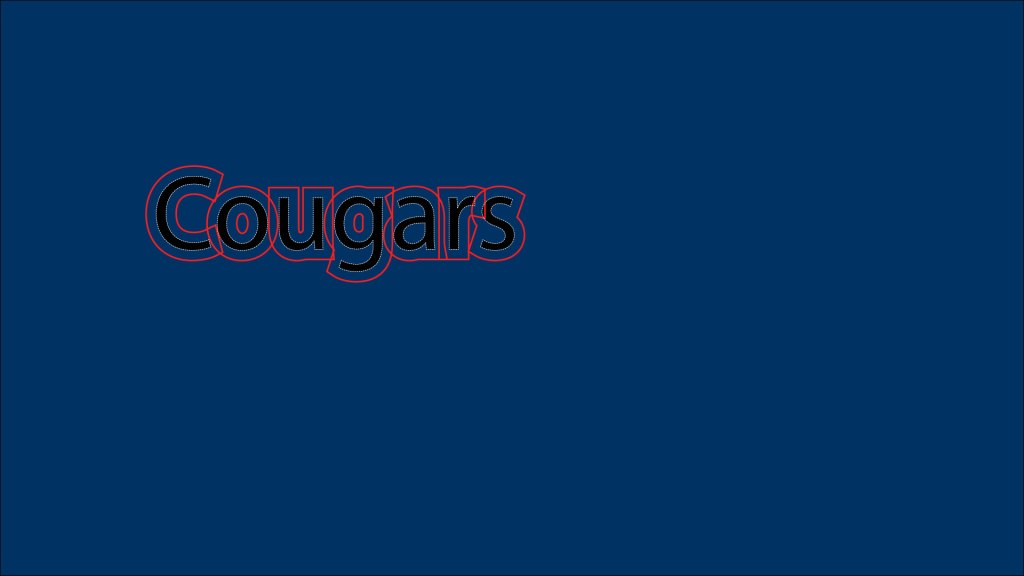
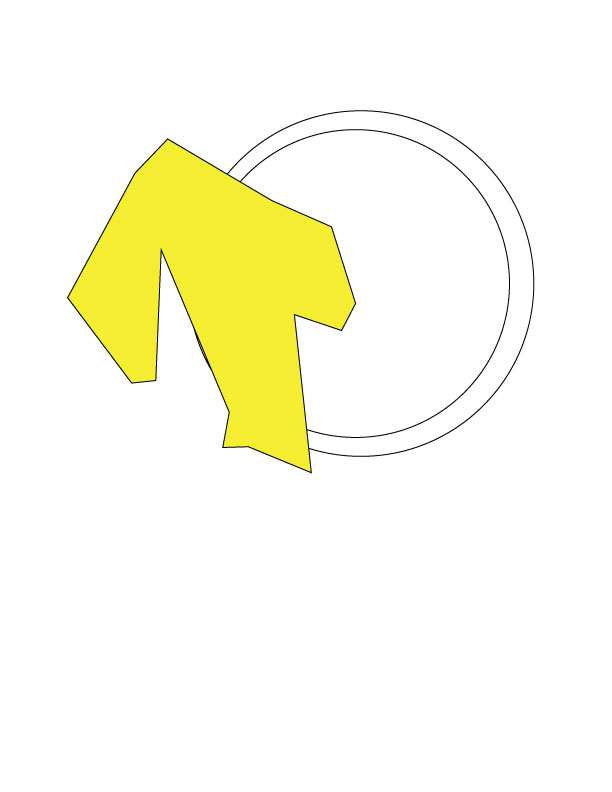
To start my logo project, I started with changing the background of the artboard to a purple back ground then. Then I type out the text “Pateros Football” and “Go Billy Goats.” Then I changed the font size so it could be big enough to see if I was to use this logo on a shirt or poster. Then I changed the font style to Algerian. I then added two different Billy goat heads facing each other. That was the conclusion of my first draft. After I received some feedback from of my classmates, I saw that there was a lot of work to do. The first revision I made was using the pen tool to outline the Billy Goat heads so that they were my own creation and that anyone else’s. Then I changed the color fill of one of the heads to yellow and the stroke to white. I left one head white but changed the color stroke to white. This is the same has what I did with the text. I did it this way because the using purple fill or stroke was hard to see with the purple back ground. I then wrapped the text in an arc and added an inner glow to the “Pateros Football” and an outer glow to the “Go Billygoats.” I also added rounded corners to the words. Also, with the Billy Goat heads I added a wave warp effect. With the heads I also added a crystallization so the pixelization was different than just being normal. This logo is just a simple logo that could be used for a t-shirt or poster. It took a lot of work to put this logo together and get it to the point where it I felt it helped tell my story about why I love football. Using Illustrator was a different and fun experience that I enjoyed. I hope in the future that I am able to use Illustrator more with other kinds of assignments and just for fun to help me get more experienced.
 Zane Dodge